
Standard Procedure for Replacing the Optical Engine in the Crystal Super:
Note: The optical engine for the Crystal Super has been transitioned to a new type of connector supplied by a new vendor. This new connector is incompatible with the original 70‑pin connector. This means that both connector versions — the original and the new — will simultaneously exist in the production and distribution of Crystal Super headsets and their matching optical engines. Therefore, before replacing the optical engine, please be sure to confirm that the connector versions of your headset and the optical engine are compatible with each other, in order to avoid installation issues or damage to the device.
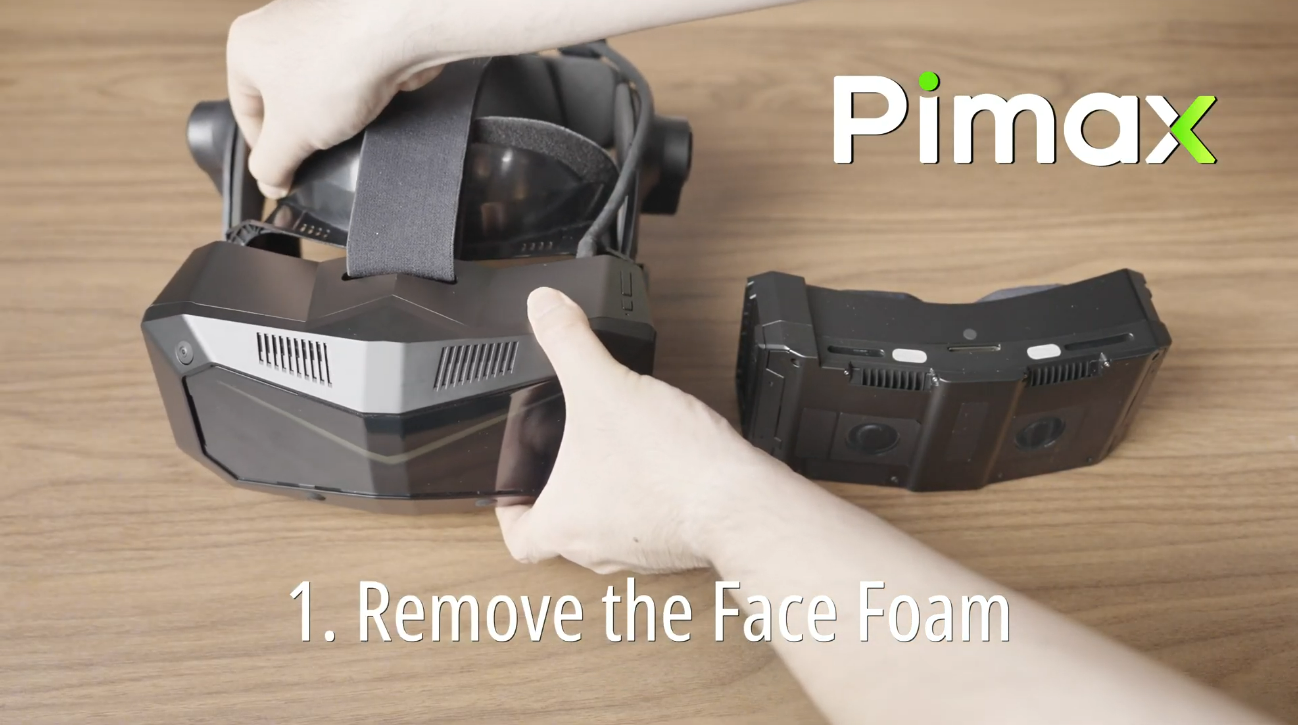
Remove the facial cover from the Crystal Super headset.
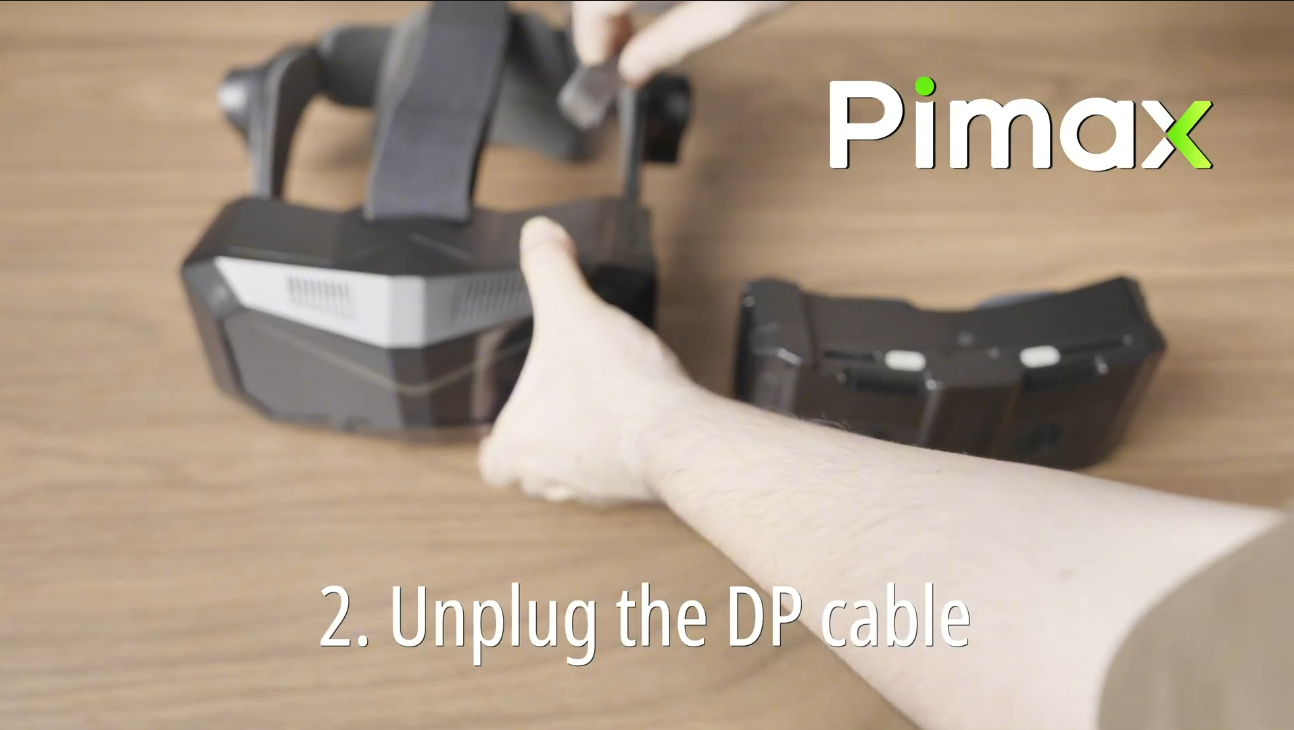
Disconnect the DP cable on the headset side and ensure the device is completely powered off.
Replace the optical engine, reconnect the DP cable, and reattach the facial cover.
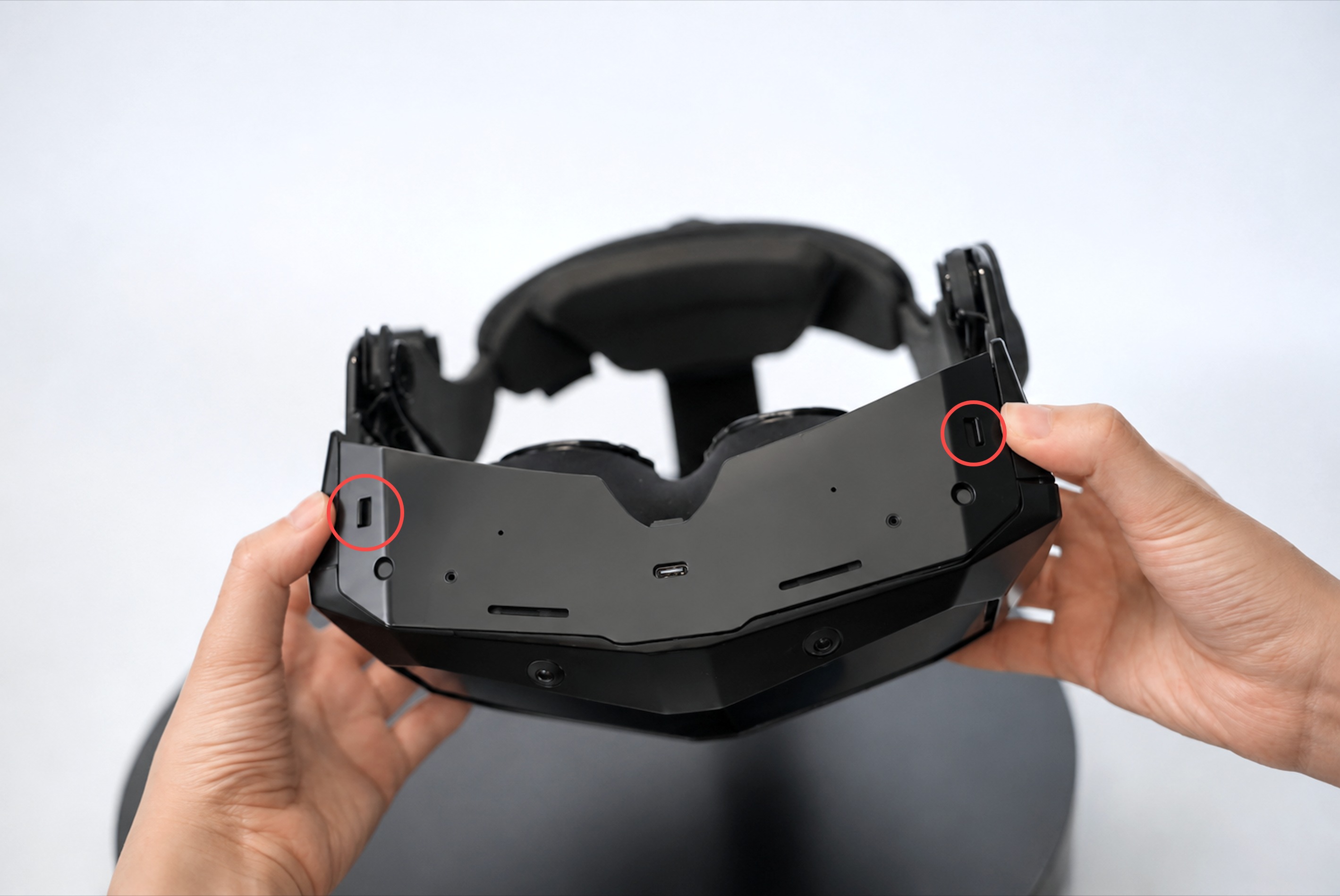
Note: Check the fixing screws on both sides of the headset. If there are screws, you need to remove them first before taking out the optical engine.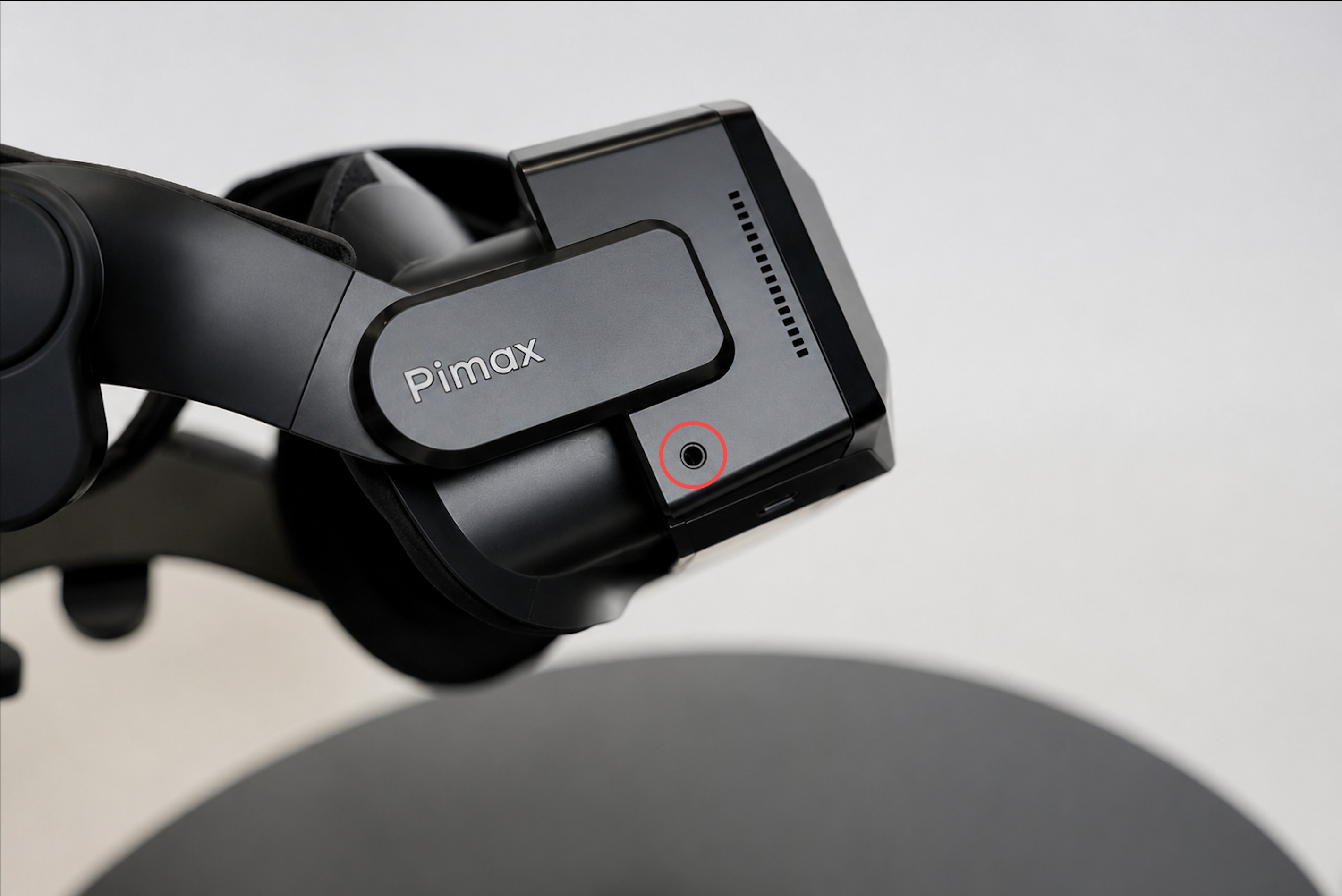
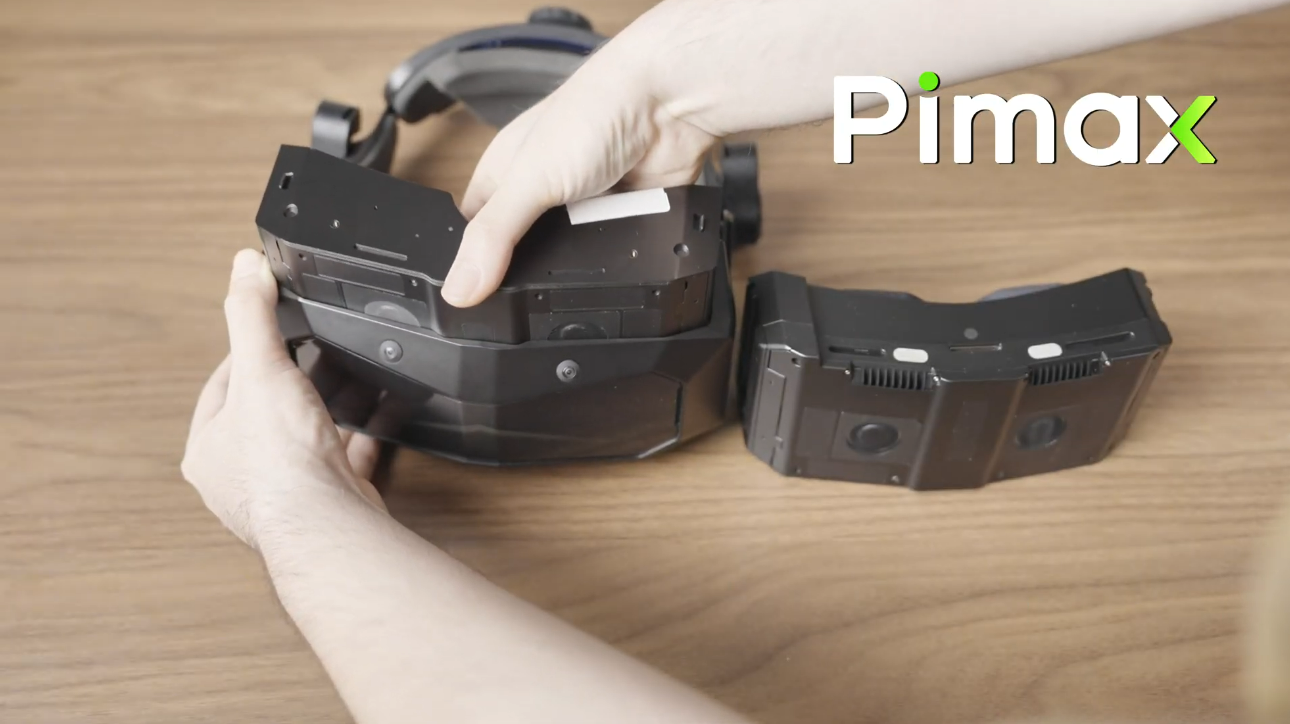
Video Tutorial:
https://drive.google.com/file/d/1m2uifc1FMVMTxfGsQ-r_zvfQdCRnBSTT/view