
- Issue Description:
- When launching the Pimax Play client, the main interface fails to load properly, appearing as a gray screen. All buttons and icons are grayed out and unclickable, and no device connection information is displayed. This issue is typically caused by missing or mismatched OpenSSL library files on your system, or an incomplete client installation. OpenSSL is a necessary component for secure communication and proper client initialization.
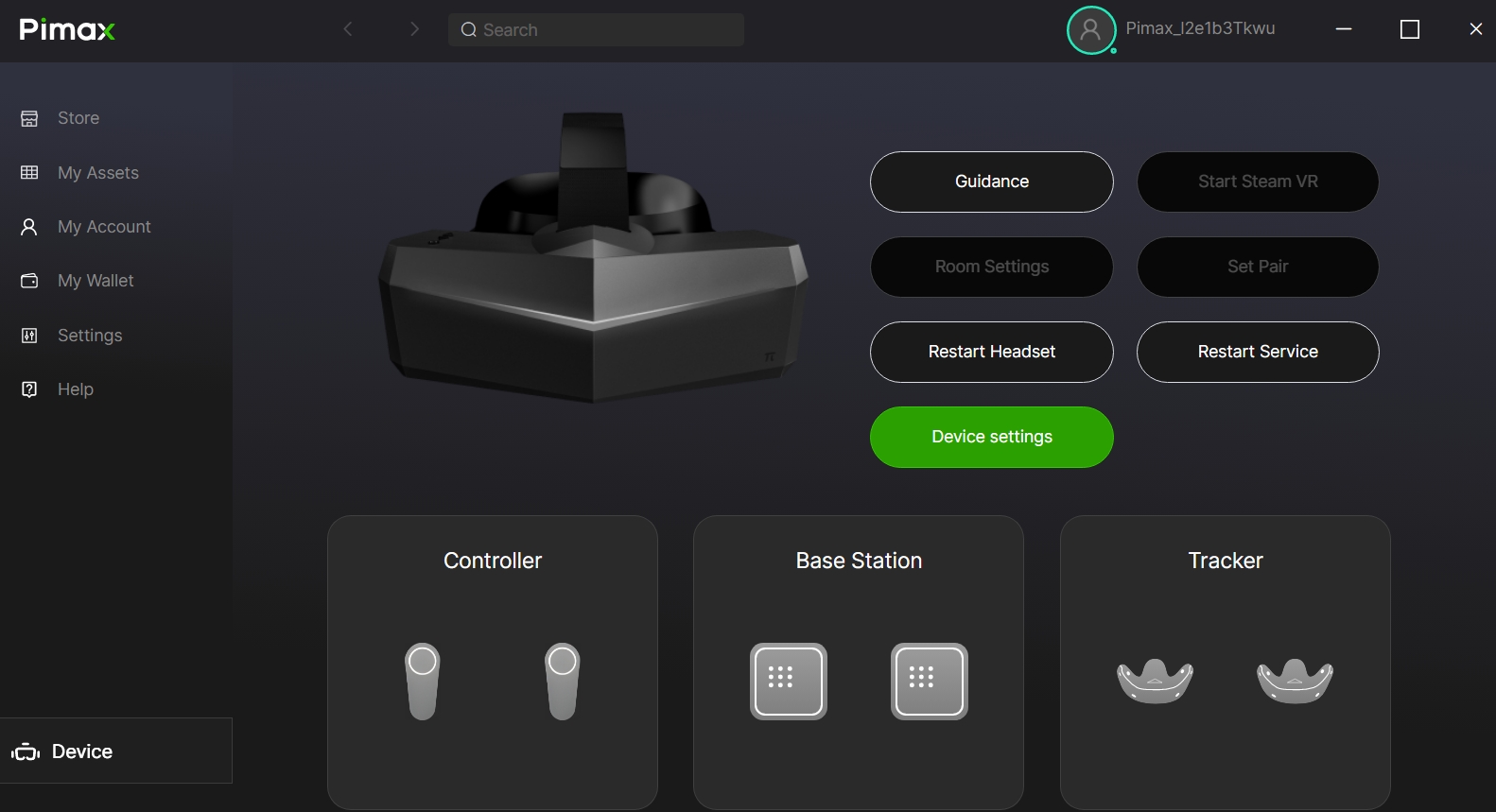
- Solution: Install Win64 OpenSSL and Reinstall the Client
- Please follow the steps below carefully.
Step 1: Download and Install Win64 OpenSSL
- This step is key to resolving the issue. Choose the download method based on your network location:
- For users in mainland China:
- Download the installer via Baidu Netdisk:
- Link:
https://pan.baidu.com/s/1lcf6Ddb66a7y8tS9gGFXbQ?pwd=gwwy - Extraction code:
gwwy - Once downloaded, run the installer and follow the setup instructions.
- 2. For users outside of mainland China:
- Visit the official OpenSSL installer page: ? https://slproweb.com/products/Win32OpenSSL.html
- On the page, find and download the Win64 OpenSSL installer (the non-light version, e.g.,
Win64 OpenSSL v3.6.x). - Run the downloaded installer and complete the installation.
Step 2: Perform a Clean Installation of Pimax Play
- After installing OpenSSL, perform a thorough clean reinstallation of Pimax Play to ensure all components initialize correctly:
- Go to Windows Settings → Apps → Installed apps, locate Pimax Play, and uninstall it completely.
- Download the latest version of the Pimax Play installer from the official Pimax website.
- Run the installer as an administrator to reinstall the client.
- After installation is complete, restart the Pimax Play client.
- Once these steps are completed, the Pimax Play interface should load normally. If the issue persists, please contact us via online chat or submit a support ticket, and provide relevant screenshots for further assistance.
Pimax Play Client Launches with a Gray Screen and Unresponsive Buttons Print
Modified on: Fri, 3 Apr, 2026 at 3:47 PM
Did you find it helpful? Yes No
Send feedbackSorry we couldn't be helpful. Help us improve this article with your feedback.