
Correct Measurement Method:
- Download an FOV test tool (e.g., testHMD). First, know your own IPD and select the correct IPD value in Pimax Play.
- Wear the headset using the standard 11mm face cushion. You can enable the fit adjustment prompt in Pimax Play and adjust the headset position to ensure a snug, centered fit against your face.
- Keep your head naturally upright during the FOV test. Avoid tilting your head down, up, or sideways. Keep your head as still as possible to minimize the impact of body movement on the test results.
- Look straight ahead at the center red dot, using your peripheral vision to observe the edge test points. Note: Do not turn your eyes to look directly at the edges, as this will cause the measured FOV to appear smaller.
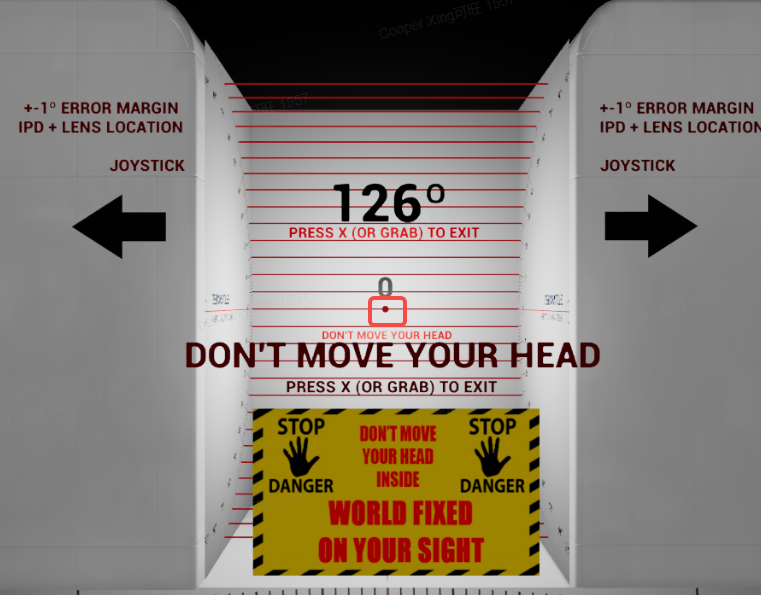
- Record the FOV data when the test points (red lines or flashing color blocks) completely disappear from view.
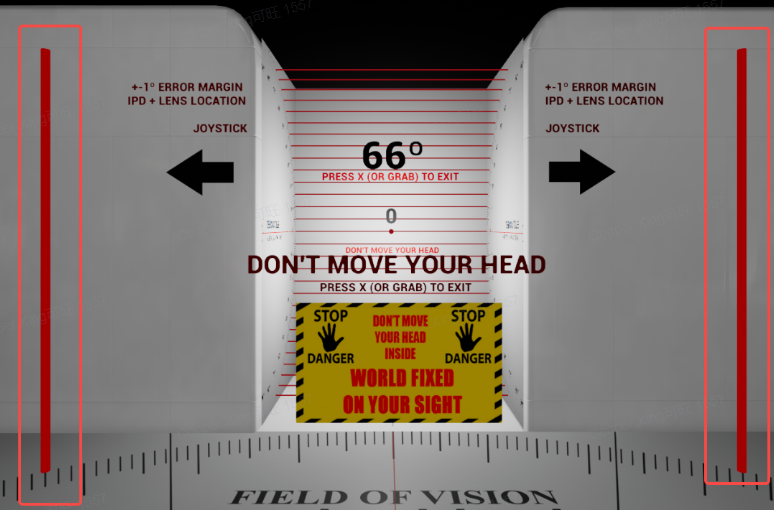
- Perform multiple tests to avoid errors from a single measurement.
- FOV results vary from person to person due to differences in individual eye socket depth. This is normal.
- To pursue a wider FOV, you can try:
- Remove the standard face cushion and test directly.
- Try using a thinner third-party face cushion (e.g., the Oculus Rift S style at approximately 9mm thickness).
- If the above methods still do not achieve your desired FOV, please feel free to contact our technical support via online chat or submit a support ticket. We will be happy to provide further assistance.