
Applies to: Crystal Light / Crystal Super (Prime Version)
Method 1: Via Pimax Play
Open the Pimax Play client and log in to your account.
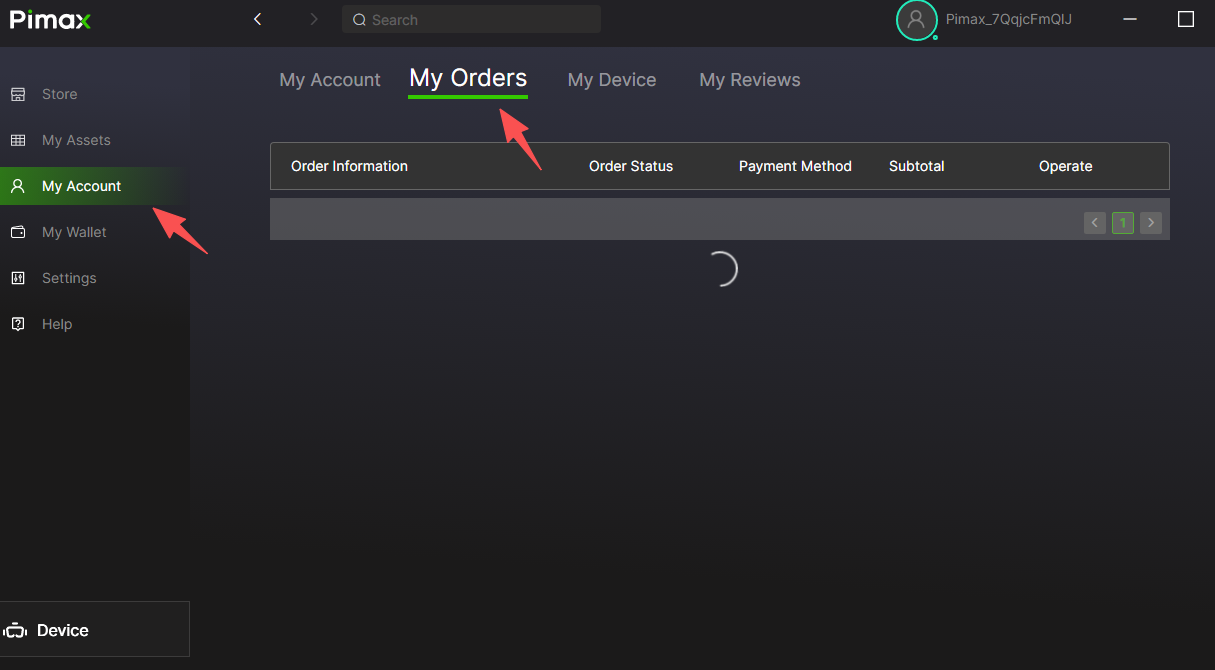
In the left navigation bar, click "Personal Center" .
Select the "My Orders" page.
Locate the pending order bound to your device and follow the prompts to complete the final payment.
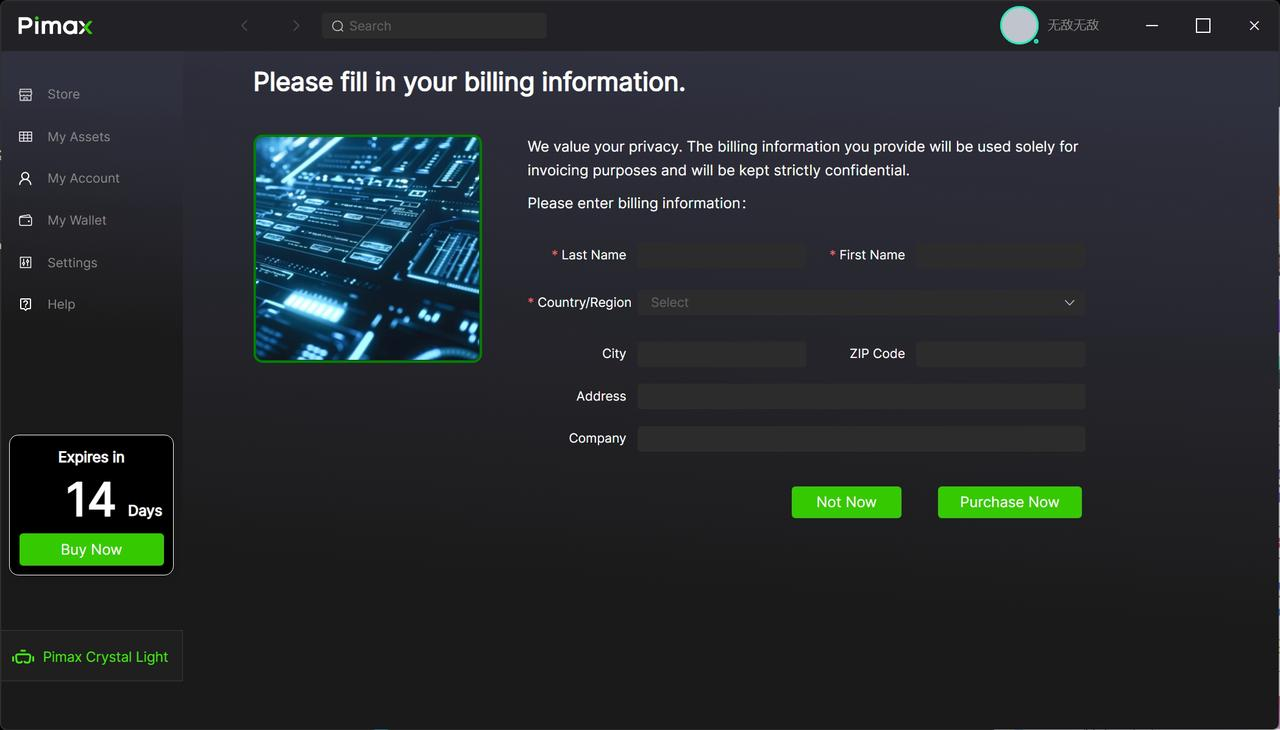
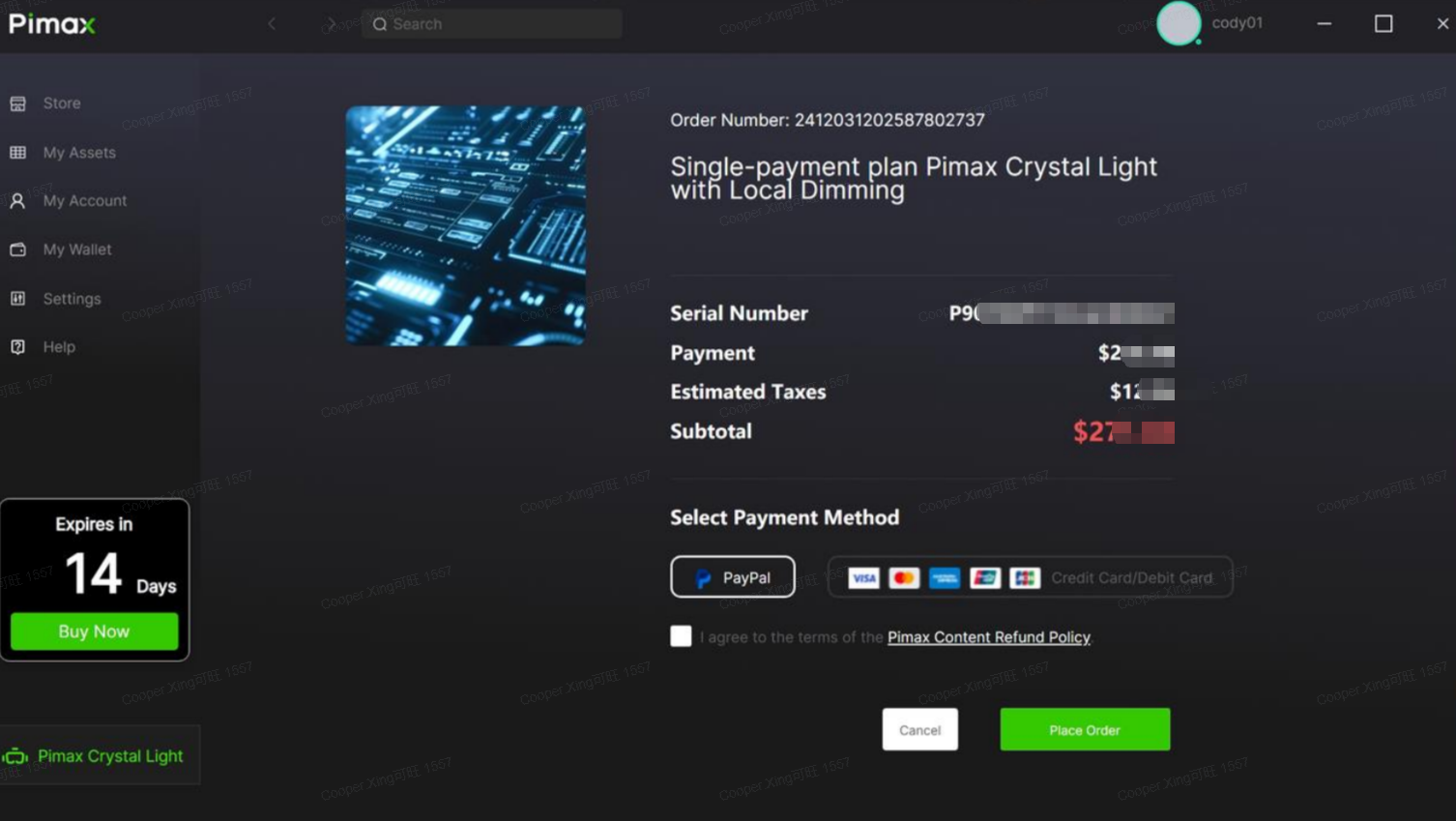
Method 2: One‑Time Final Payment Within the Trial Period
Important Notes:
If the pending order does not appear, make sure you are logged in with the same email address that was used to bind the device at the time of purchase.
After payment is completed, we recommend restarting the client to ensure the entitlement status updates correctly.
If you encounter any other issues, please contact us via online chat or submit a support ticket.