
Applies to: All client versions, all firmware versions, Windows 10 / Windows 11, all NVIDIA and AMD graphics drivers.
Calibration failure may be caused by the following:
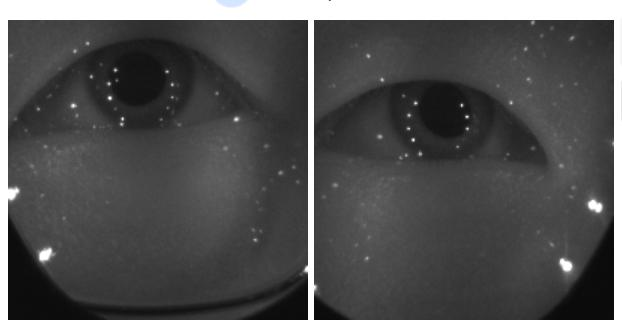
Wearing thick glasses or having prescription lenses installed – This can interfere with the eye‑tracking camera's ability to capture the eyes properly.
Dirt or smudges on the lenses or glasses – Contaminants can disrupt the eye‑tracking camera's view.
The headset is worn too loosely, or there is light leakage due to poor facial fit – Adjust the strap tightness or IPD and try again.
The headset moves during calibration – Movement can affect the accuracy of gaze point detection.
Not following the calibration procedure correctly – Ensure both eyes are following the calibration point as it moves across the screen.