How to Improve Motion Blur on the Dream Air SE
Print
Modified on: Tue, 3 Nov, 2026 at 4:37 PM
Regarding motion blur on the Dream Air SE, we recommend trying the following steps first, which usually help alleviate the issue effectively:
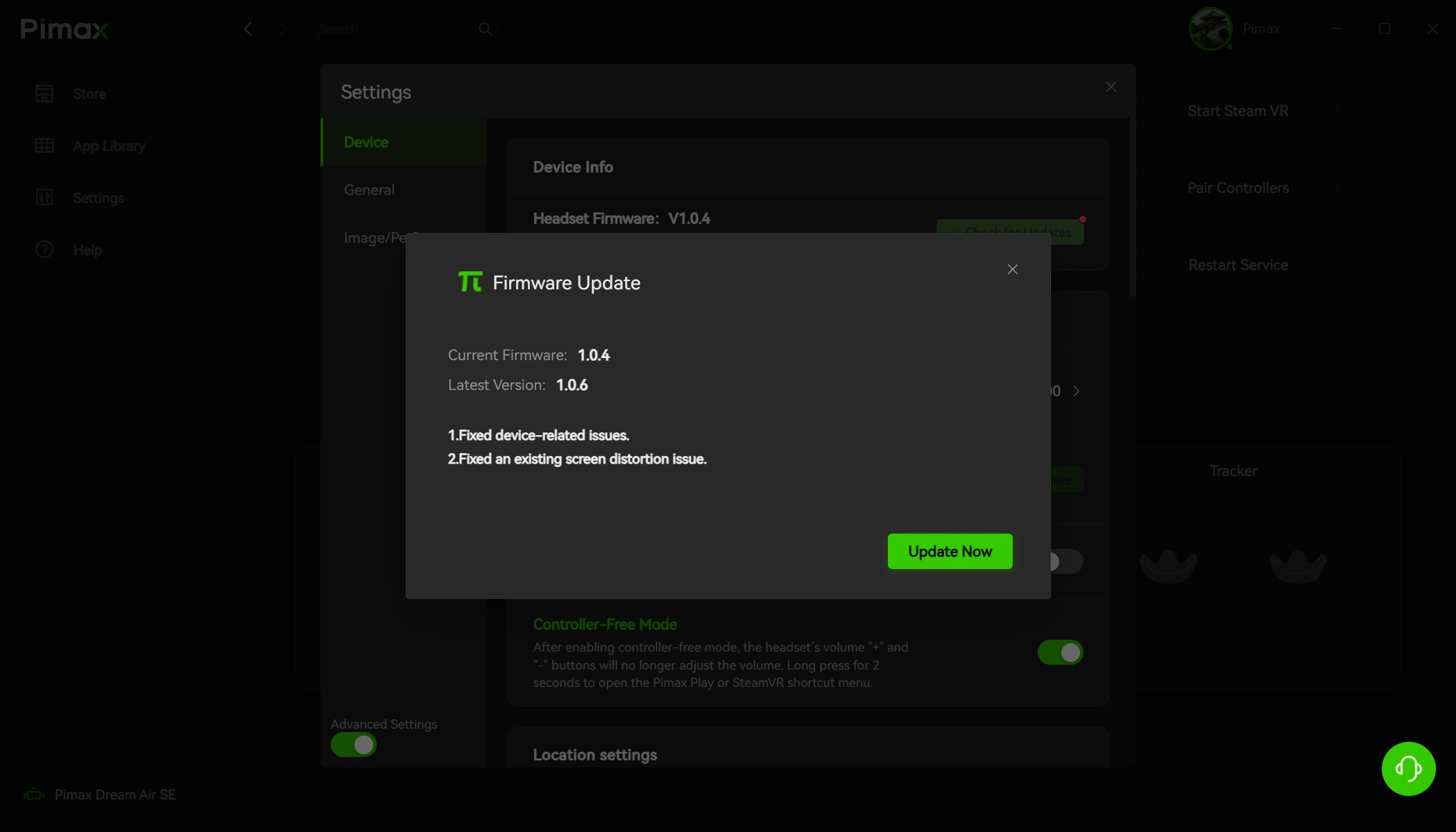
Update firmware and client: Make sure both the headset firmware and the Pimax Play client are updated to the latest versions. The latest versions include optimizations for image performance.
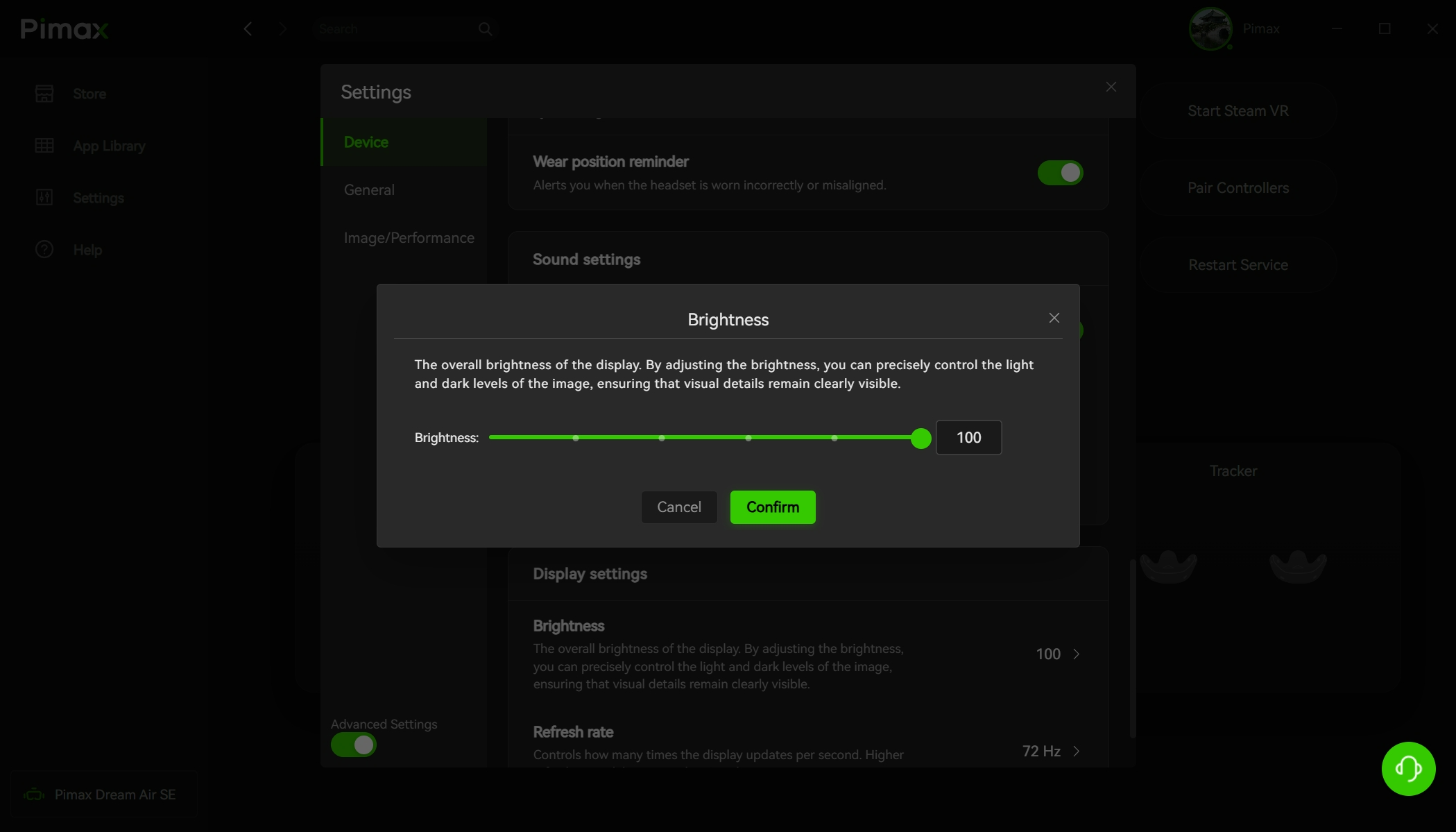
Adjust brightness settings: In Pimax Play or Pimax EVO, set the Dream Air SE brightness to around 50%. This can effectively reduce motion blur caused by the OLED screen's persistence effect. You can also fine-tune this percentage based on actual image performance to find the balance that works best for you.
Please note that motion blur is a common industry phenomenon in current VR optical technology. OLED screens produce a certain degree of persistence in fast-motion scenes due to their physical characteristics. Pimax is at the forefront of optical optimization, and actual performance is already better than most competing products. We will continue to optimize this experience through software and firmware updates.
Did you find it helpful?
Yes
No
Send feedback Sorry we couldn't be helpful. Help us improve this article with your feedback.
