The Dream Air headset experiences tracking drift during use. How should I troubleshoot this?
Print
Modified on: Tue, 3 Nov, 2026 at 4:59 PM
A: Symptoms: During normal use of the Pimax headset, the virtual scene view moves or shifts irregularly on its own and cannot stay centered and stable (English description: glasses lose their centralisation). Please troubleshoot as follows:
Verify hardware configuration: Check whether the PC meets the model's minimum configuration requirements—GPU not lower than RTX 2070 and CPU not lower than 12th-gen Core i5. If not, reduce the workload or upgrade the hardware.
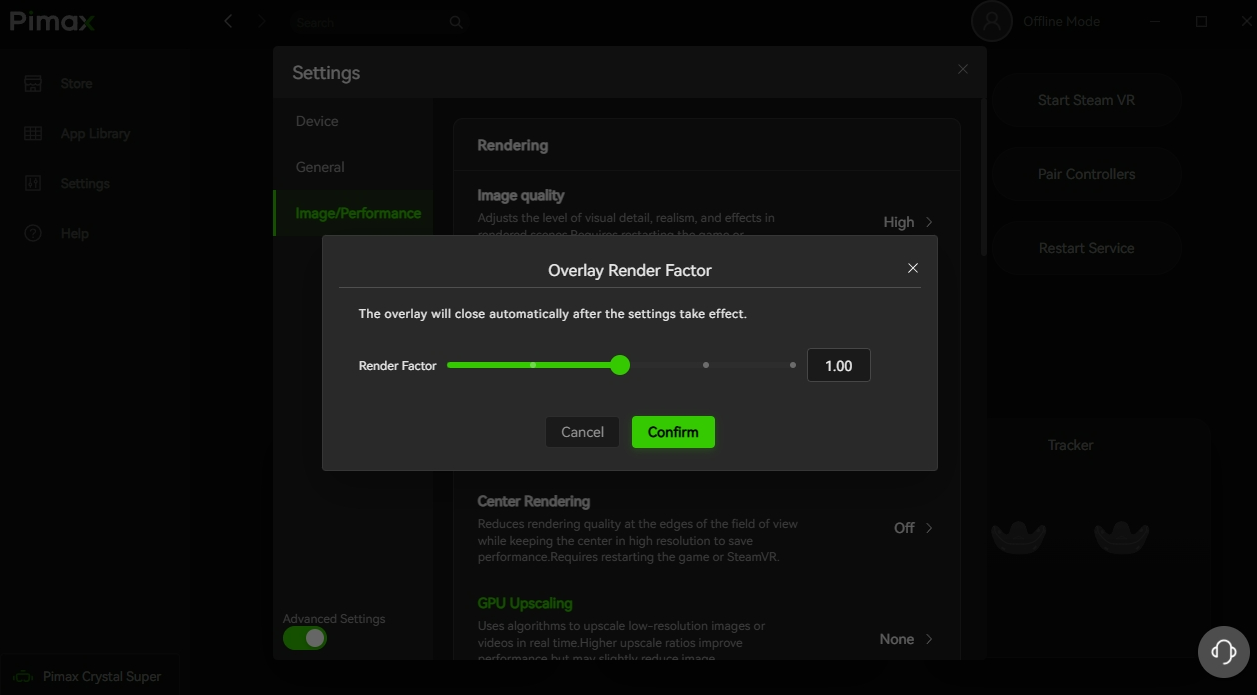
Lower parameter settings: In Pimax Play Device Settings, lower render quality and refresh rate; in-game, lower image quality and disable anti-aliasing; also lower the desktop monitor resolution and refresh rate.
Check the usage environment: Avoid strong light, reflections, and scenes with excessive brightness contrast, and avoid overly plain environments. You can take photos or videos of the usage environment to assist analysis. Also rule out in-room interference:
Make sure there is no strong light or excessively dim lighting in the room;
Rule out interference sources such as infrared and Bluetooth devices;
Move away reflective objects such as mirrors
Global parameter optimization: In Pimax Play Device Settings, lower refresh rate and render quality; reduce in-game render settings and disable anti-aliasing; also lower the desktop monitor resolution and refresh rate to reduce overall system load.
Free up system resources: On lower-CPU configurations, when running games with Crystal Light, open Task Manager to monitor CPU usage in real time and manually close unrelated programs to free up hardware resources.
Confirm the software is up to date: Confirm that both the Pimax Play client and the headset firmware are the latest versions to avoid tracking issues caused by version compatibility problems.
Official support: If drift persists after all the above troubleshooting and optimization, provide the information above along with system logs and real photos of the usage environment so technical support can analyze further.
Did you find it helpful?
Yes
No
Send feedback Sorry we couldn't be helpful. Help us improve this article with your feedback.
